
Media Library Fixer – Fix Broken Images & Regenerate Thumbnails
Fix Broken Images & Regenerate Thumbnails

Overview
Scan. Replace. Regenerate. Restore broken media in minutes.
Fix blank thumbnails and broken images after migrations, restores, or upload folder mishaps.
Media Library Fixer scans your Media Library for missing originals and/or missing thumbnail sizes, then gives you fast, safe, one-click repairs — right where you expect them in the WordPress media library.
Broken images are rarely “mysterious” it’s usually one of these at fault:
- A migration/restore brought the database across but uploads didn’t fully copy
- A cleanup removed files via FTP/cPanel
- A theme/plugin added new image sizes, but older uploads never generated them
- Thumbnails went missing, leaving blank Media Library previews
Media Library Fixer is the lightweight “incident plugin” for developers and WordPress users: run a scan, filter the problems, fix only what’s broken.
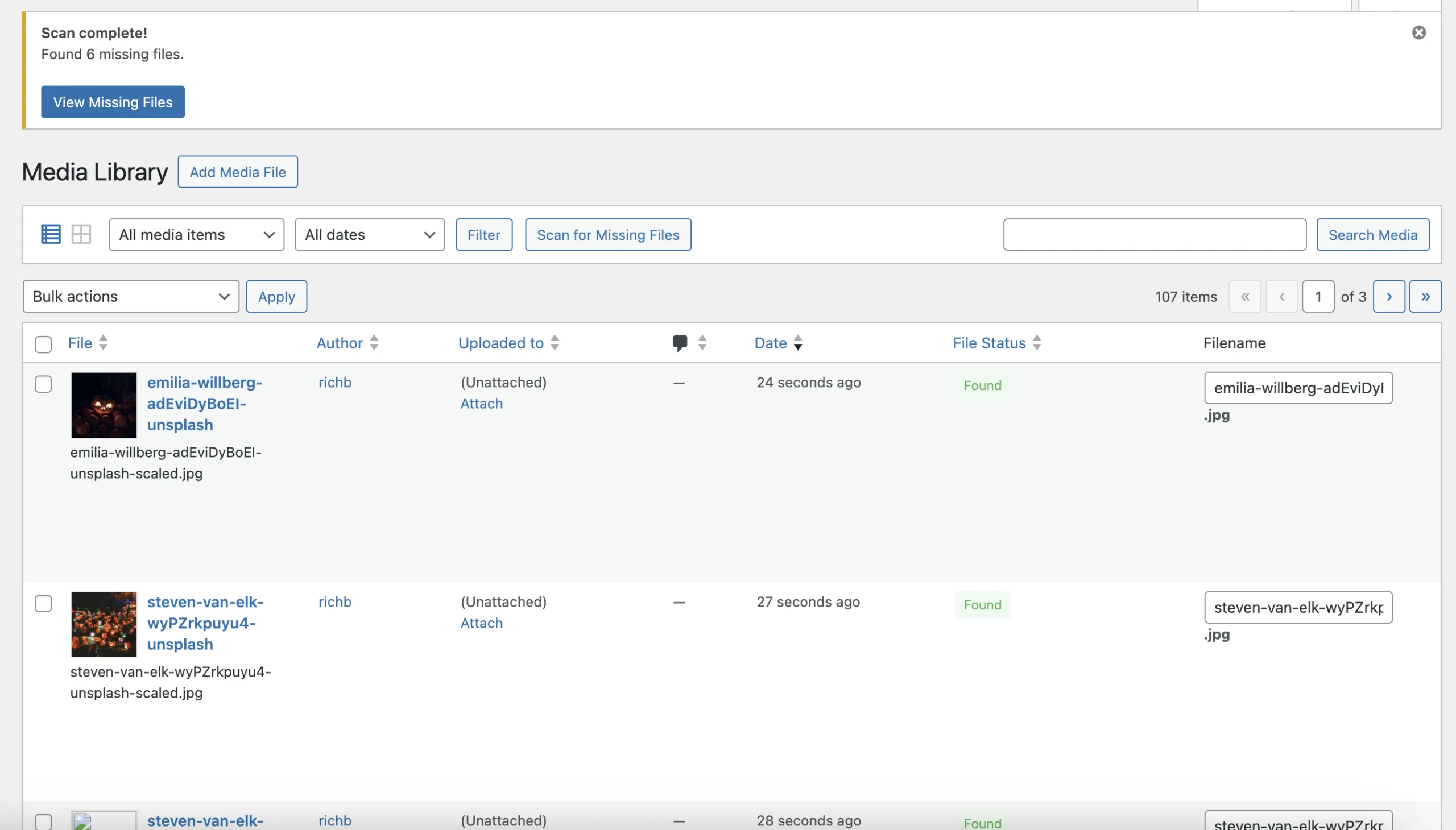
Find missing originals
Find missing thumbnails
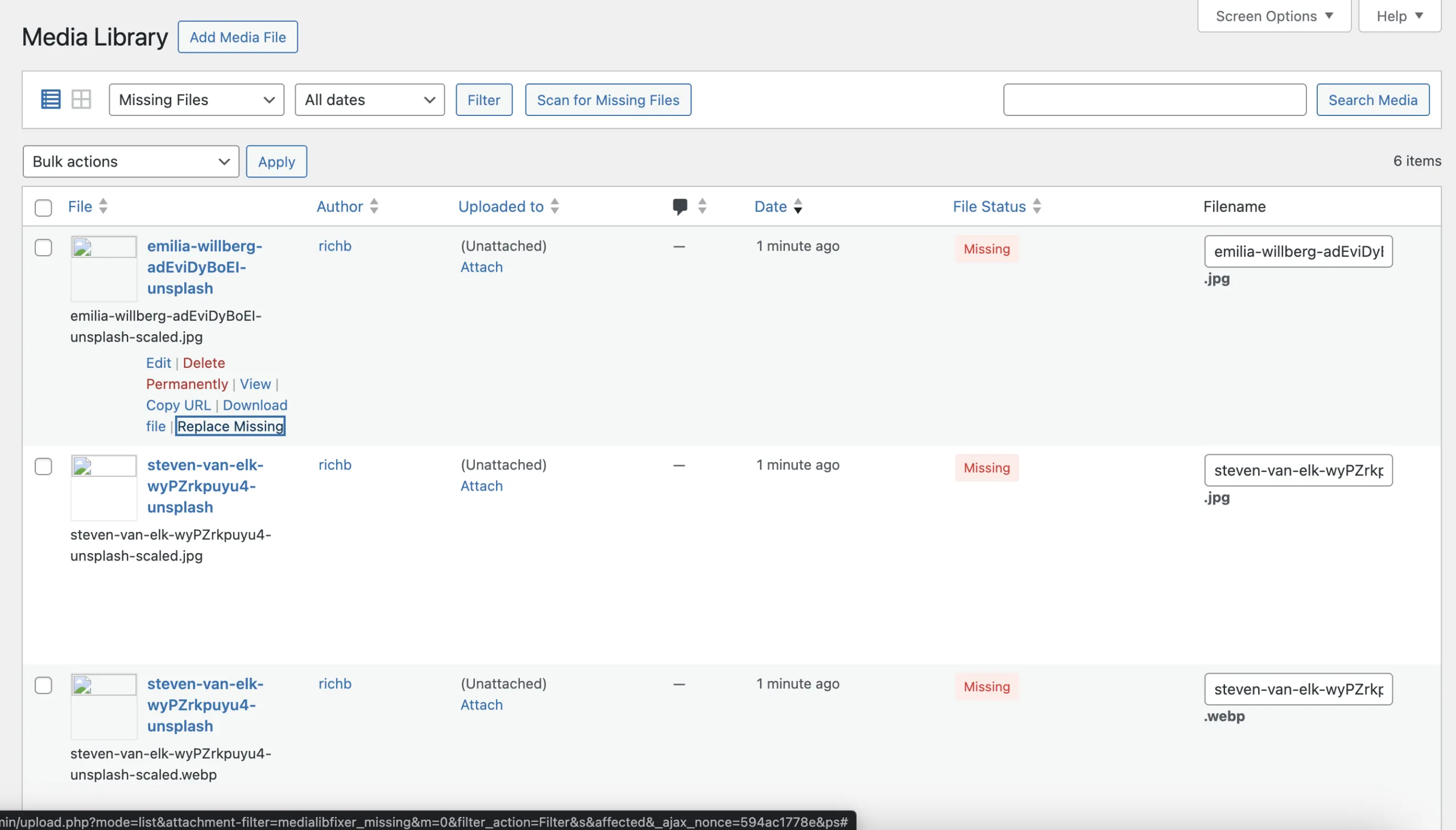
Filter to broken items only
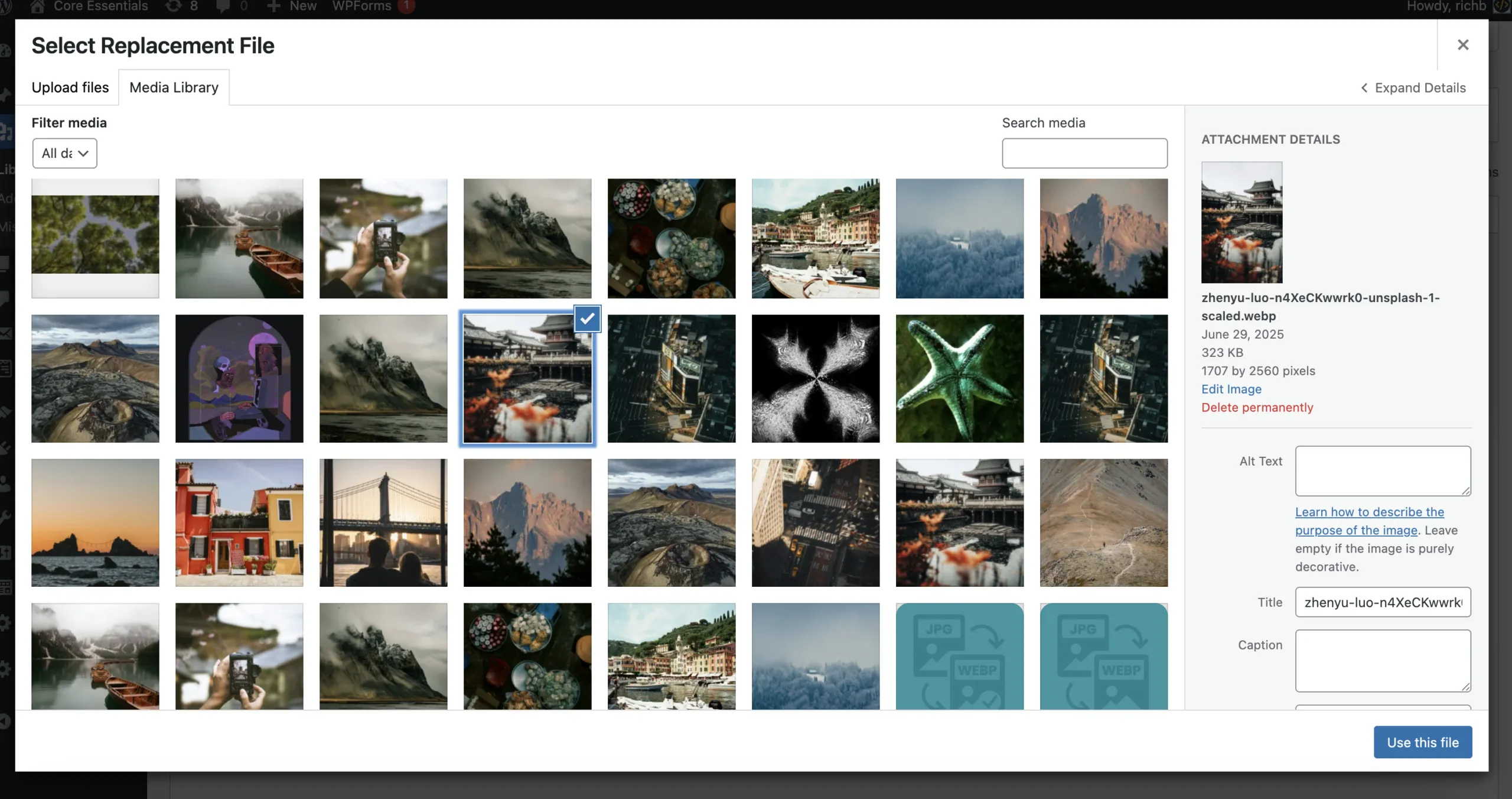
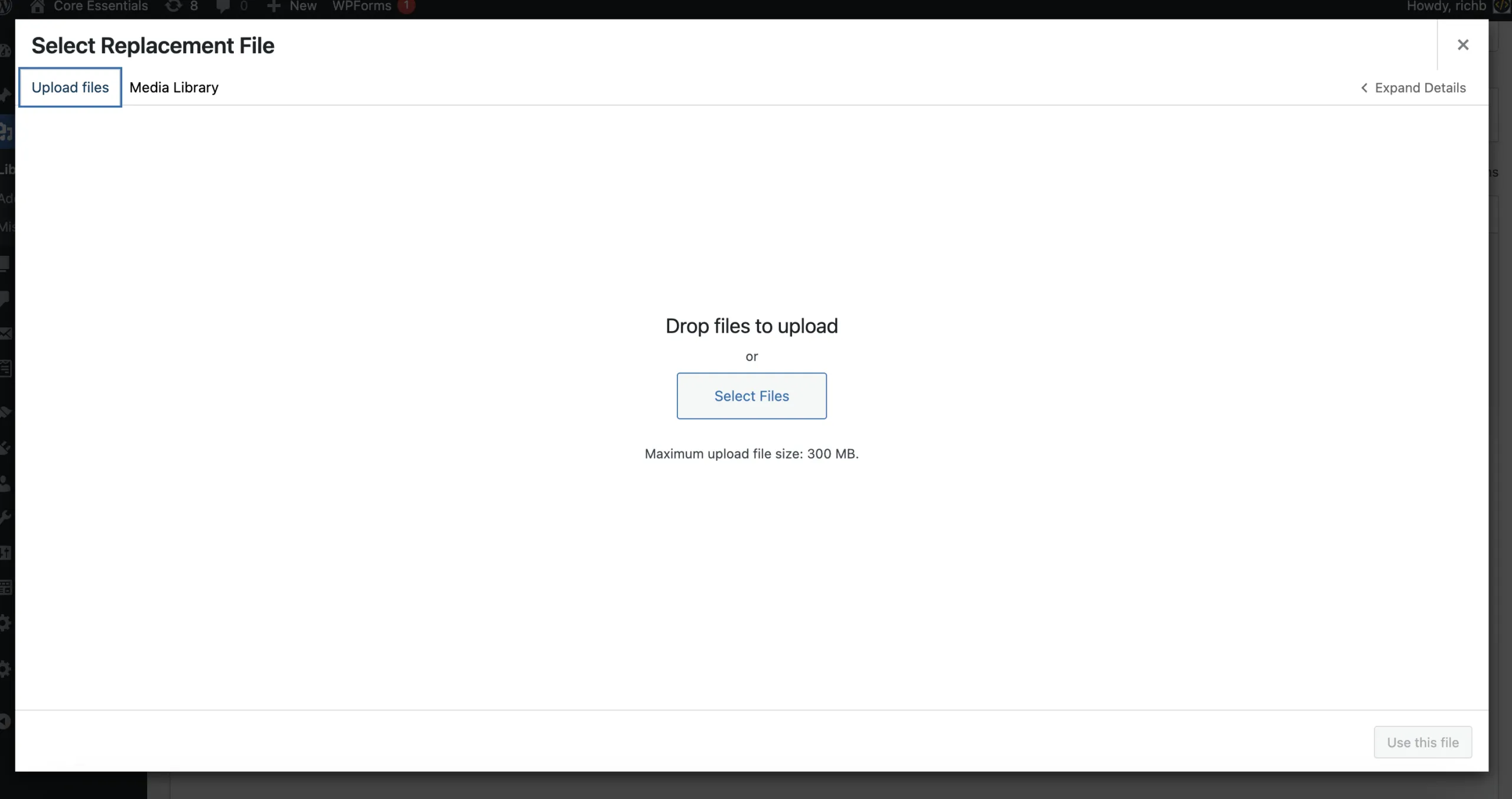
Replace missing files
Regenerate thumbnails per image
Safe by default
Lightweight admin-only code
Specs
wordpress 6.2+
1.0.0
March, 20, 2026
GPLv2 or later
Why Media Library Fixer?
Most tools do one job:
- replace a file, or
- regenerate thumbnails, or
- clean unused media (often risky)
Media Library Fixer is built for one outcome: get your Media Library back to a clean, working state quickly and safely.
What it checks
- Missing original file: attachment exists, file is missing/unreadable in uploads
- Missing thumbnails: one or more generated sizes are missing for an image attachment
What it fixes (in a few clicks)
- Replace missing file using a native WordPress upload dialog
- Regenerate thumbnails using WordPress’s own image functions (per-attachment)
Built for real-world “client emergencies”
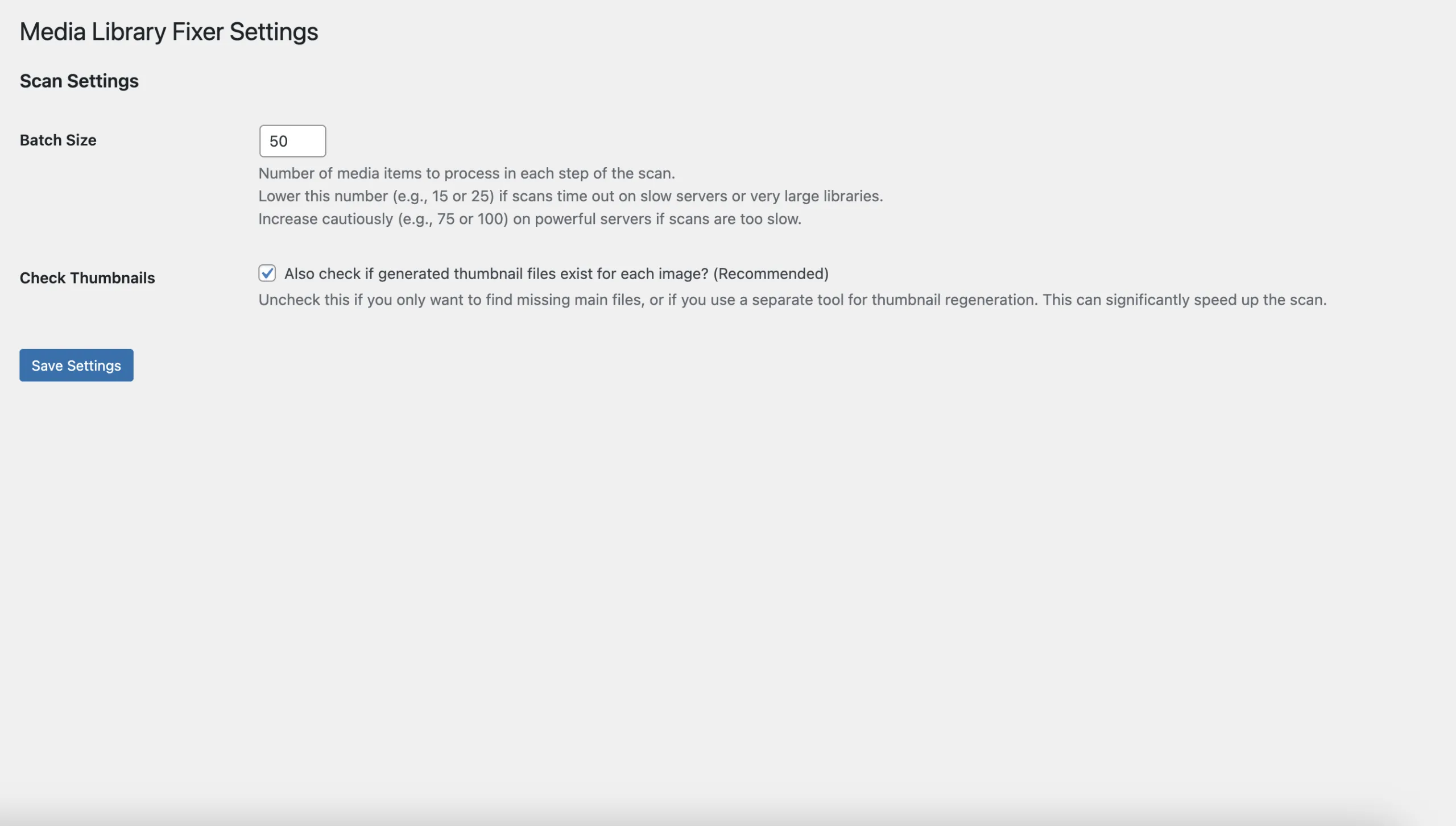
- Batch scanning options to reduce timeouts on large libraries
- Clear status indicators so you can instantly see what’s broken
- Focused actions so you don’t accidentally trigger a massive regeneration job
Common Use Cases
- Post-migration broken images: DB moved, uploads didn’t → scan + replace
- Restore/backup mismatch: media entries exist but files are missing → scan + repair
- New image sizes introduced: older uploads missing sizes → regenerate only what’s needed
- Accidental deletion via FTP/cPanel: identify what’s missing fast → replace from backups
- Peace-of-mind maintenance: quick integrity check before launch or handover
How it works
- Run a scan (missing originals, missing thumbnails, or both)
- Filter broken items in the Media Library (work through only the problem list)
- Fix: replace missing files or regenerate thumbnails per image
- Done: a clean Media Library with working thumbnails and assets
Choose Your License
Start saving time and streamline your workflow today
Solo (1 site)
Use on 1 Site
Find missing originals
Find missing thumbnails
Filter to broken items only
Replace missing files
Studio (10 sites)
Use on 10 Sites
- All premium features
Agency (50 sites)
Use on 50 Sites
- All premium features
Screenshots
Frequently Asked Questions
What counts as “broken” media?
A Media Library item that exists in WordPress, but the original file is missing/unreadable, and/or required thumbnail sizes are missing.
Can the plugin magically recover deleted files?
No, it’s not a deleted or lost file recovery system. If the original file is gone, you’ll need a copy (from backups/original source) or new version to upload as a replacement.
Will this regenerate thumbnails for everything?
No. It targets only attachments flagged as missing thumbnails (or the ones you choose). It’s designed to avoid massive server-heavy regeneration jobs.
Is it safe on production sites?
Yes, scanning is read-only, and fixes are manual, per-item actions. For huge libraries, use smaller batch sizes and run during quieter periods.
Does it delete anything?
We do not delete any of your files. You stay in full control.
Does it work with WooCommerce?
Yes, WooCommerce product images are normal Media Library attachments, so the same scan/repair workflow applies to product images too.
Need Support?
Have a question or need help with Media Library Fixer – Fix Broken Images & Regenerate Thumbnails? Our team is here to assist you.
Contact SupportHave an Idea?
Got a suggestion for a new feature or an improvement for Media Library Fixer – Fix Broken Images & Regenerate Thumbnails? We'd love to hear it!
Suggest a FeatureLicenses: 1 / 10 / 50 sites